Simvora Engineering OS
From engineering intent to CAD, simulation and technical reports.
SIMVORA Engineering OS connects reusable engineering knowledge, guided workflows and established CAD/CAE tools, so engineering teams can move from concept to model, mesh, simulation, drawing and report without losing engineering context.
Built for engineering teams · Early accessDesigned for workflows around established engineering tools such as Autodesk Inventor, SolidWorks, Fusion, ANSYS and OpenFOAM.

The workflow
One connected workflow, end to end.
Move from intent to deliverables without re-keying work or losing engineering context between tools.
Intent
Describe the goal.
CAD model
Build the model.
Mesh
Prepare for analysis.
Simulation
Set up & review.
Drawing
Generate the set.
Report
Assemble the report.
Product value
More than prompts — guided engineering execution.
SIMVORA Engineering OS brings together six things in one place, so AI assists real engineering work that engineers can check and use.
Deliverables
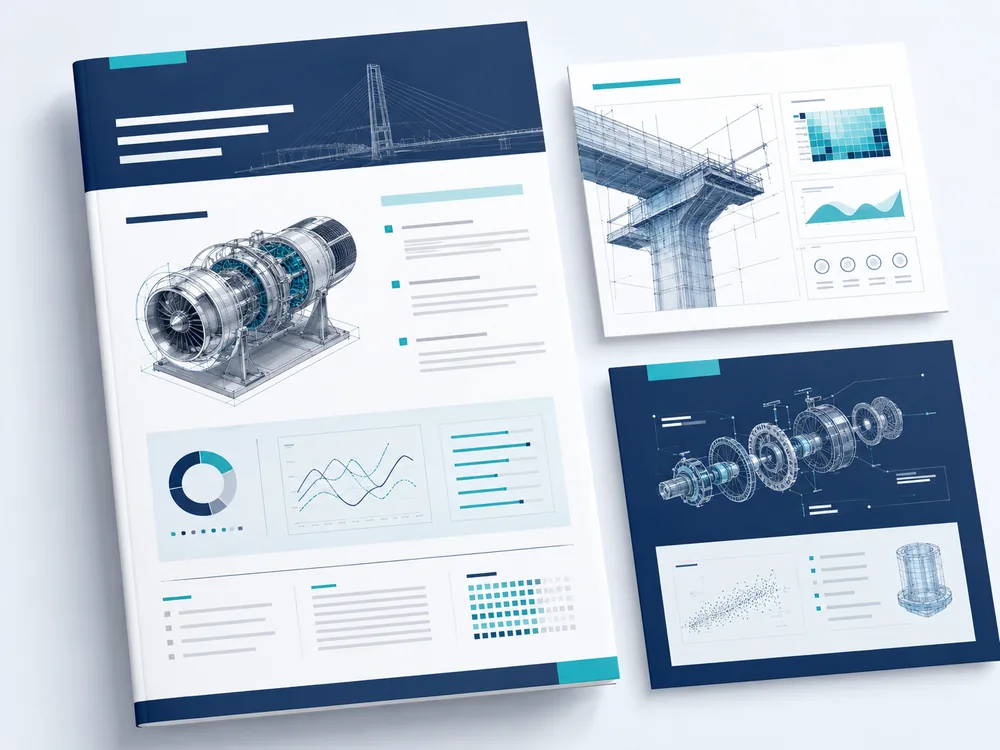
Outputs engineering teams can review and use.
Not chat transcripts — the deliverables engineering teams actually ship.
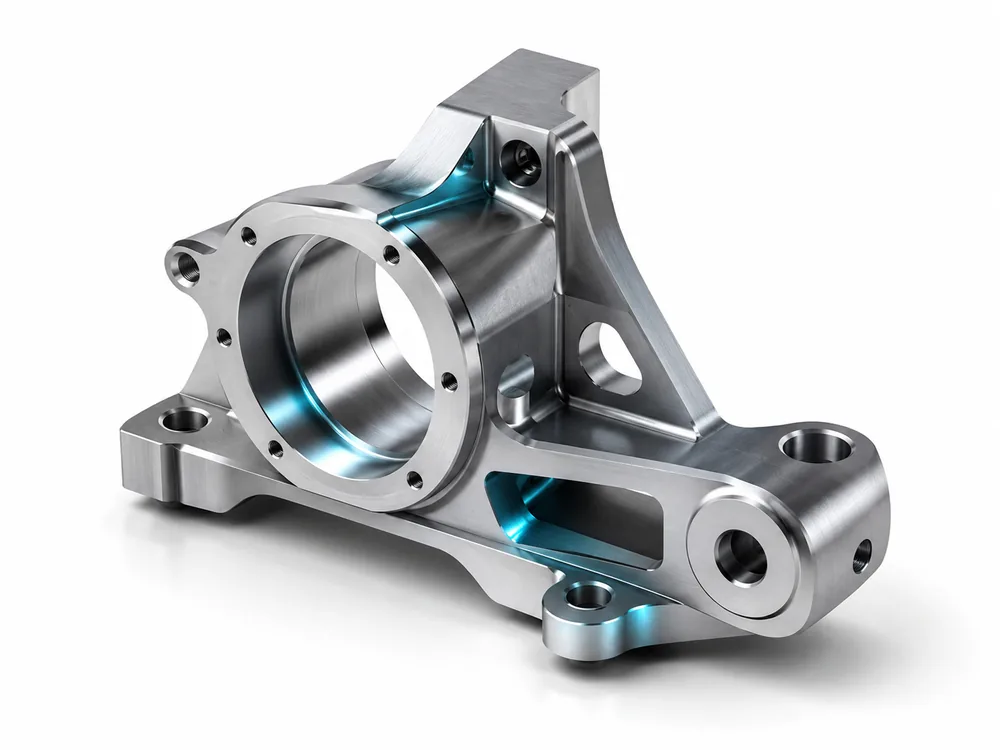
Assisted modelling.
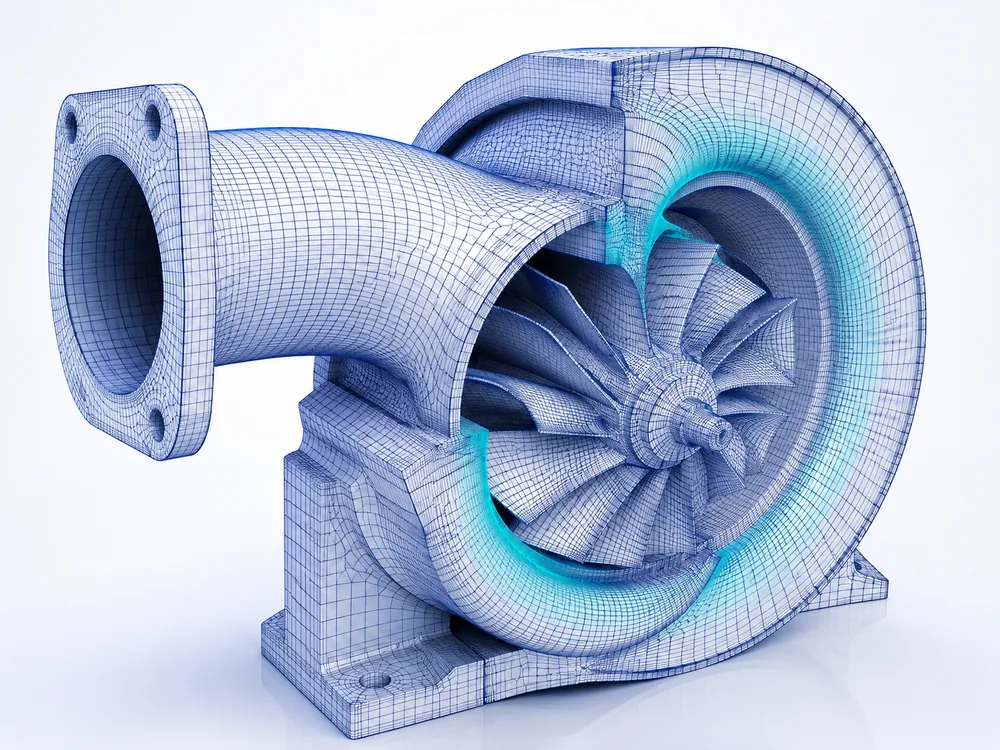
Analysis-ready.
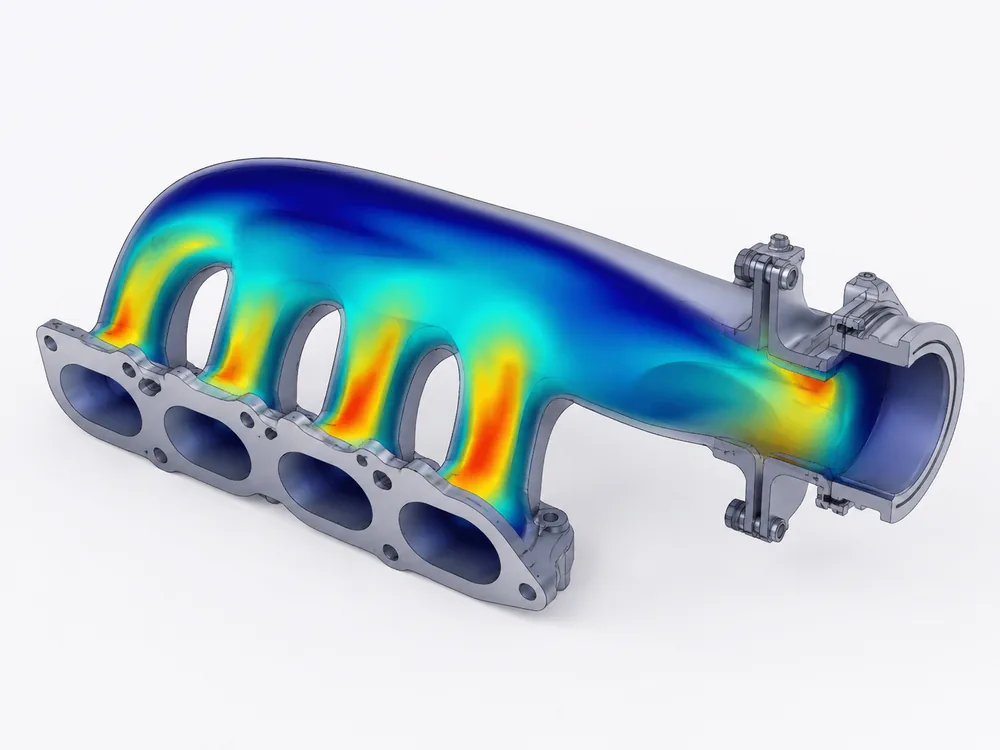
Set up & reviewed.
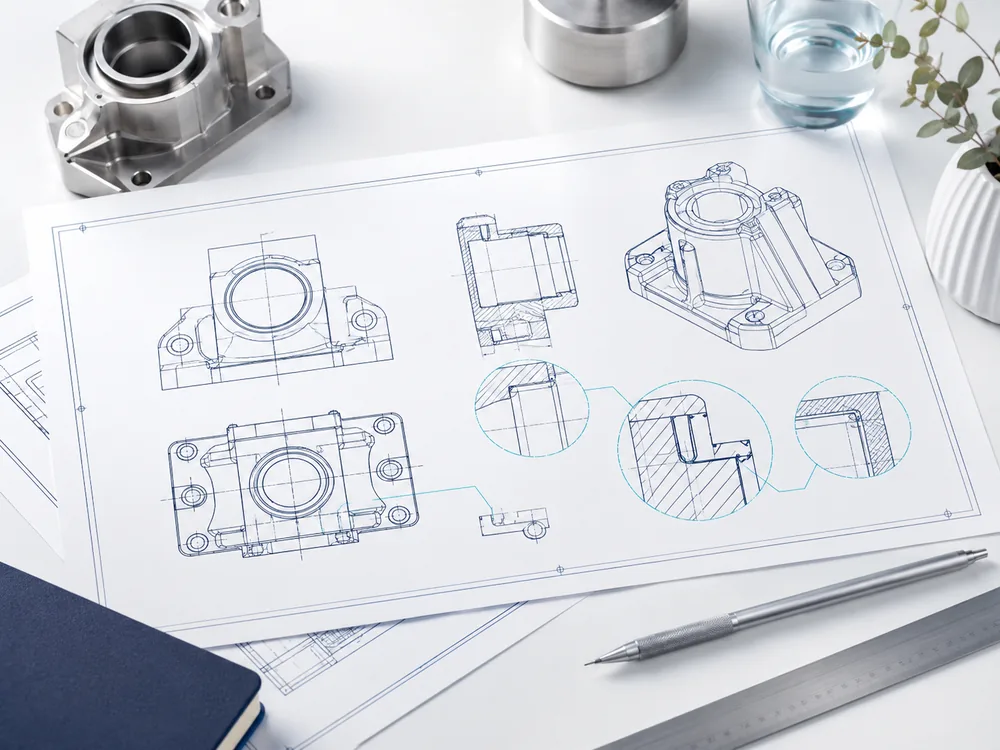
Generated set.
Assembled docs.
Skill Packs
Reusable engineering know-how, built into the workflow.
Engineering Skill Packs capture methods, standards, review logic and repeatable processes, then apply them as reusable guidance across design, simulation, checking, documentation and controlled execution.
They are the knowledge layer that makes SIMVORA Engineering OS more than a prompt — guidance that shapes real engineering work.

Platform
Capabilities across the whole engineering loop.
Design assistance
Turn intent into structured design steps.
CAD modelling
Assisted modelling around professional CAD.
Mesh preparation
Set up meshes ready for analysis.
Simulation setup & review
Configure cases and interpret results.
Drawing & reporting
Produce drawing packages and technical reports.
Workflow automation
Chain repeatable steps into reviewable workflows.
Ecosystem
Built around the engineering tools teams already use.
SIMVORA Engineering OS is designed to sit around the tools engineering teams already rely on — supporting workflows involving CAD, meshing, simulation, drawings and reports, without claiming to replace the toolchain.
Tool names indicate target compatibility and workflow context only. They are trademarks of their respective owners and do not imply partnership, endorsement, or certified integration.

Media
See the workflow take shape.
A visual walkthrough of how SIMVORA Engineering OS moves from engineering intent to CAD, simulation, drawing and report. A fuller product walkthrough will follow during early access.

Use cases
Built for real engineering work.
Product development
From concept to validated design without losing context between tools.
Design review
Set up and review simulation-driven design changes faster.
Drawing & report packages
Generate drawing packages and technical reports from one workspace.
For partners and strategic conversations
We work with a small number of partners and early adopters. For toolchain, workflow, strategic, partnership or growth conversations, email us at info@simvoraos.com.